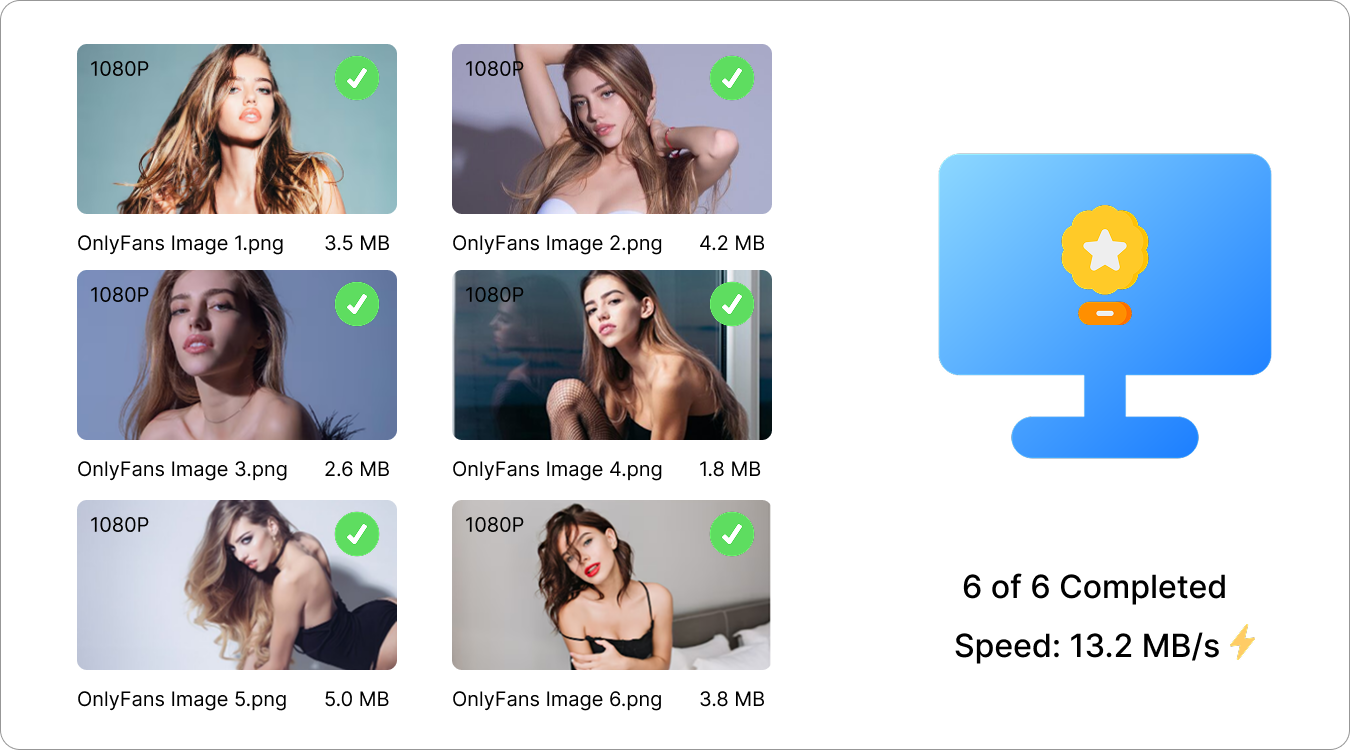
Download OnlyFans Images Online & Easy
Save images from your subscribed OnlyFans creators with a simple, fast and convenient online downloader.
This link can't be analyzed online
The page may require login, or it isn't supported by the online analyzer yet. Try the free OFSaver desktop app — it handles these links, supports batch downloads and keeps the original quality.
How It Works
3 Simple StepsPaste Image URL
Copy the OnlyFans image post link and paste it into OFSaver.
Analyze Images
Click "Analyze Image" to detect available images and get download options.
Save Images
Select images and download them directly to your device.
Download Options
Images are always saved in their original quality. Use the format filter below to narrow down the results.
Extracted Images
Why Choose OFSaver Online Image Downloader?
OFSaver makes saving OnlyFans images simple with fast processing, high-quality output, and a clean online experience.
🌐 Free & Online
Download images directly from your browser without installing software.
⚡ Fast Image Saving
Quickly analyze links and save OnlyFans images with fewer steps.
🖼️ Image Preview
Preview available images before selecting files to download.
💎 Original Quality
Keep high-resolution images without unnecessary compression.
🔒 Private & Safe
Enjoy a secure experience with a clean and privacy-focused design.
✨ Simple Experience
A modern interface makes downloading images quick and easy.
FAQ
1. What is OFSaver Online Image Downloader?
OFSaver Online Image Downloader is a web-based tool that helps users save OnlyFans images quickly and conveniently.
2. Is OFSaver Online Image Downloader free?
Yes. OFSaver provides a free online solution that allows users to download images without installing additional software.
3. Can OFSaver download high-quality images?
Yes. OFSaver attempts to preserve the original image quality whenever the source provides a high-resolution file.
4. Which browsers can I use with OFSaver?
OFSaver works with popular browsers including Chrome, Firefox, Safari, and Edge.
5. Why can’t I download an image with OFSaver?
Check that the URL is correct, the content is available to your account, and your internet connection is working properly.
6. Are my downloaded images stored on OFSaver servers?
No. Images are downloaded directly to your device, and OFSaver does not permanently store your downloaded files.
7. Does OFSaver support bulk image downloading?
No. The online version of OFSaver is designed for simple image downloads. For bulk image downloading, try the OFSaver desktop version, which provides more advanced features for saving multiple images efficiently.